
Transferring a domain name to Namecheap.com
If you’d like to initiate the transfer of your newly purchased domain name to your Namecheap account, you’ll need to complete the following steps:
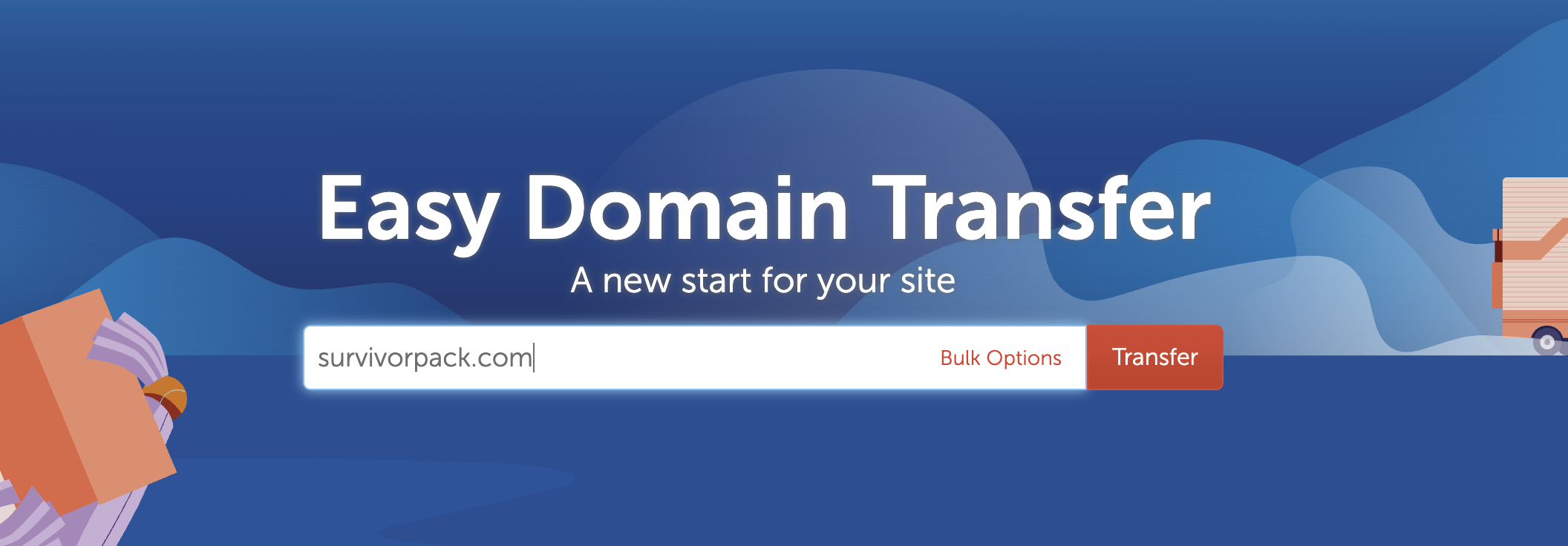
First, visit this webpage and type in the domain name you want to have transferred to your Namecheap account (e.g. uxvo.com).
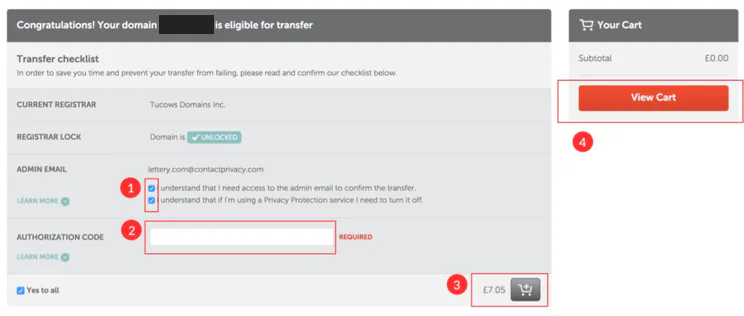
Once done, please follow the steps below:
- Tick the two fields as shown in the screenshot attached – step 1
- Paste the authorisation code provided – step 2
- Click the “Add” button (grey icon) – step 3
- View cart (step 4) and complete the purchase
The authorisation code will be provided to you by Brandpa.