Transferring a domain name to Name.com
If you’d like to transfer a domain name to your Name.com account:
-
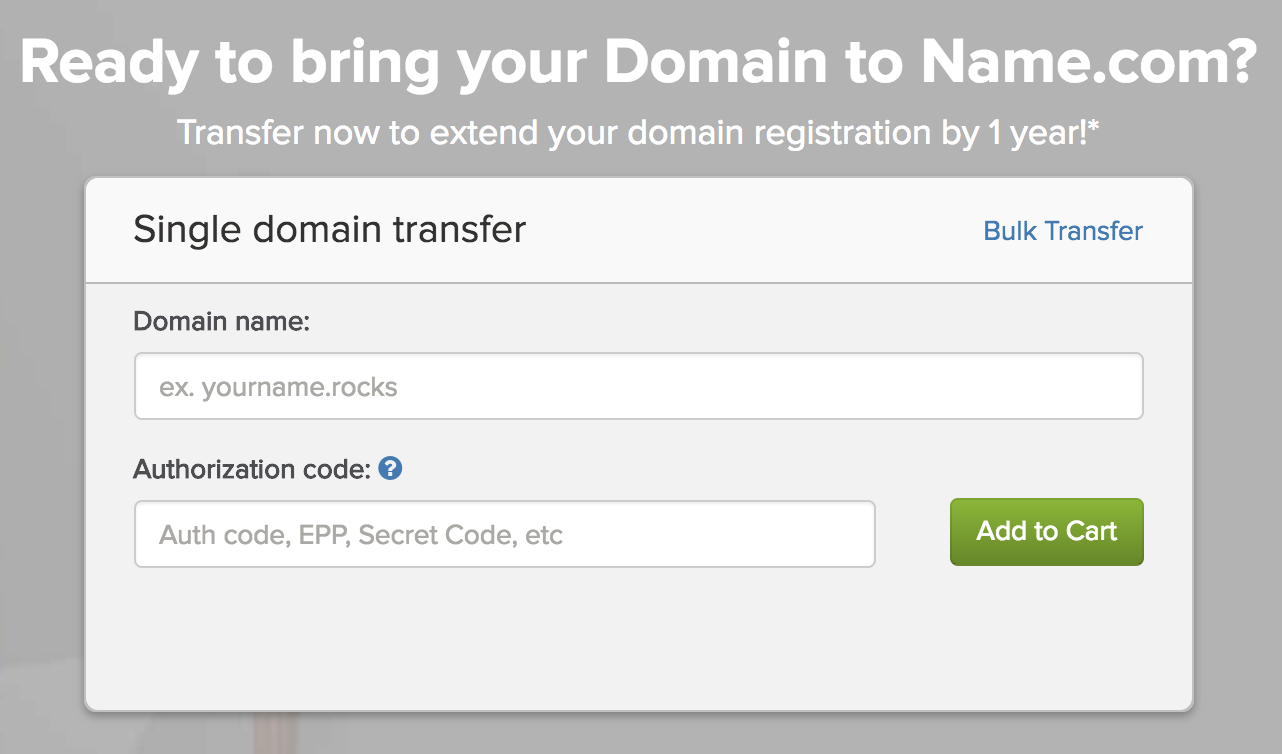
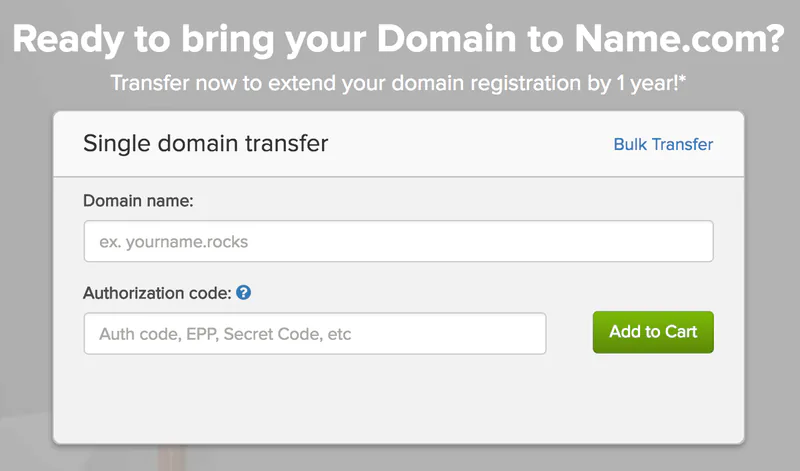
Visit this webpage and purchase the domain transfer: https://www.name.com/domain-transfer
-
Enter the authorisation code provided by Brandpa
-
Click “Add to cart”
-
Name.com will then email you transfer approval instructions (ensure your Administrative Contact details are up to date). Keep an eye on your inbox not to miss the approval email.
-
Once then, then the previous registrar will need to accepted the transfer.
-
Once step 5. is done, your new name will be available in your Name.com account.